
Free · Open source · On-device
Speak instead of type.
Hold a key, say what you want to write – and it appears wherever your cursor is. Steno turns speech into text on your Mac with OpenAI Whisper, even offline. No cloud, no account, no subscription.
Version 1.1 · Apple silicon · macOS 14.2 or laterNew in 1.1: meetingsAlso on GitHub
- Can you send me the revised deck by Friday? I’ll go through it over the weekend.
- Summarize the article in three bullet points and name the most important number.
- Refactor the settings view so that every row uses the same spacing.
- Shopping list: milk, bread, tomatoes, coffee.
Hold. Speak. Release.
Speech to text on your Mac, in three steps.
-
Hold ⌥
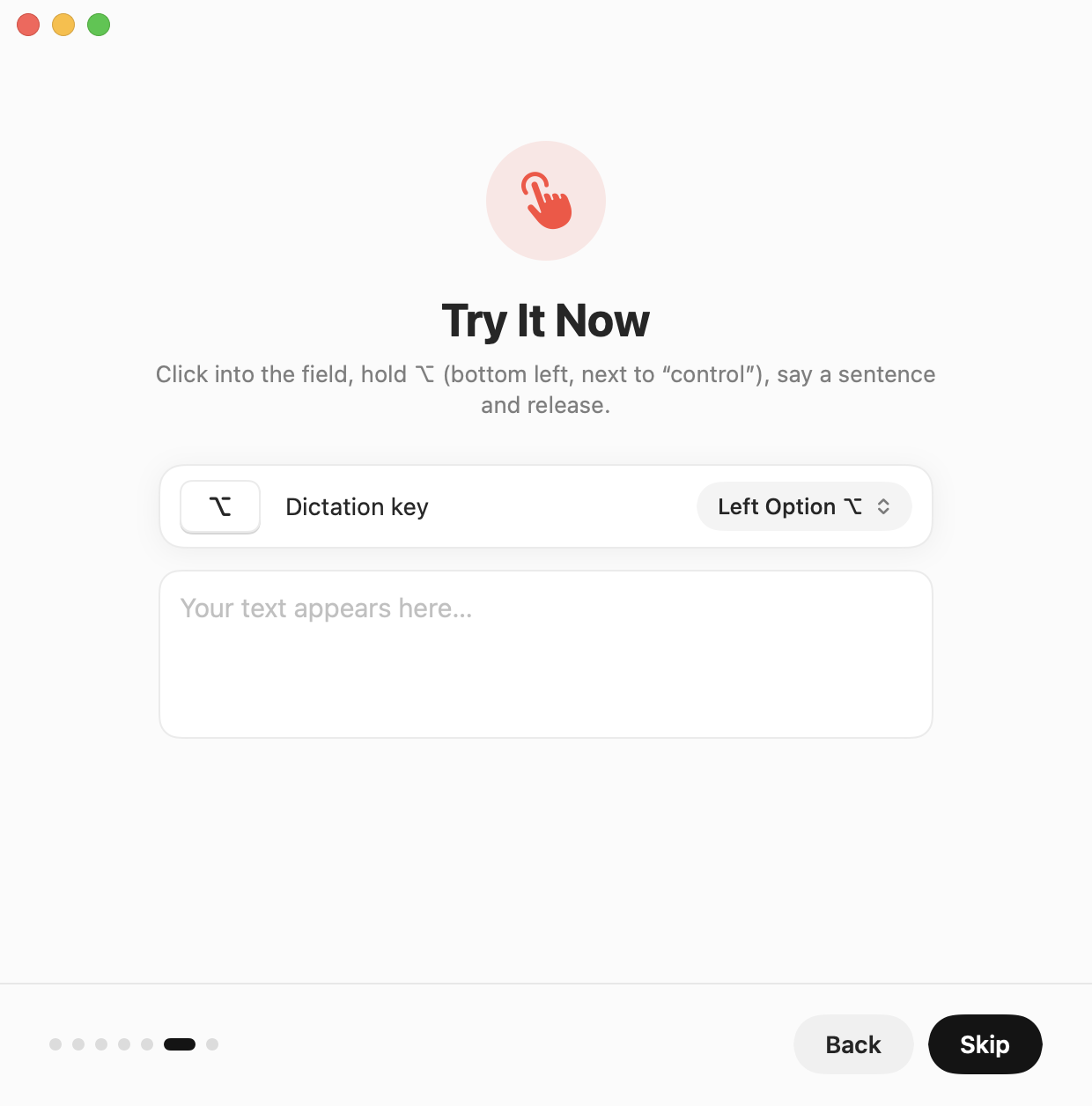
Hold the Option key – or any key you choose.
-
Speak
Talk naturally. The notch shows that Steno is listening.
-
Release
Your text appears at the cursor, in any app.
Forgiving
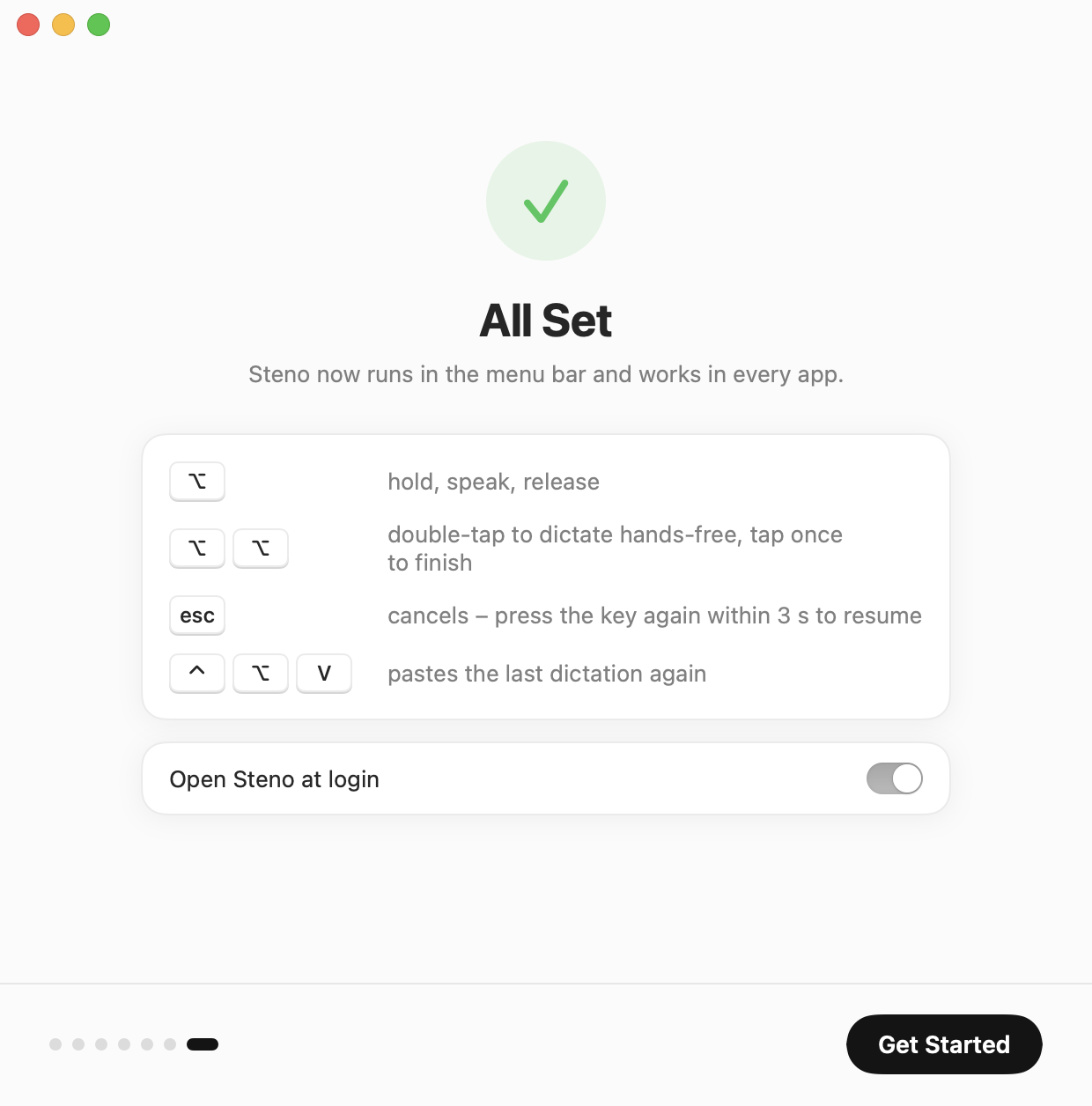
Let go too early? Press the key again right away and keep talking – the recording continues. Cancelled with Esc by accident? Press within 3 seconds to pick up where you left off.
Everything you need. Nothing you don’t.
A private dictation app for Mac – free, offline and made for Apple silicon.
-
Private by design
Audio and text never leave your Mac. No analytics, no account.
-
Fast
Whisper Large v3 Turbo on the Apple GPU turns a sentence into text in well under a second. The notch opens the moment you press the key.
-
Works everywhere
Chat apps, AI assistants, mail, editors, terminals – any text field.
-
Hands-free
Double-tap the key for longer dictations. Click, switch apps and move windows meanwhile.
-
Notch or bubble
The recording overlay hugs the notch, or floats as a bubble on Macs without one.
-
Your words, spelled right
Add names and terms. Similar-sounding mishearings are corrected automatically.
-
Your key
Left or right Option, right Command, Control, right Shift or the globe key.
Six languages
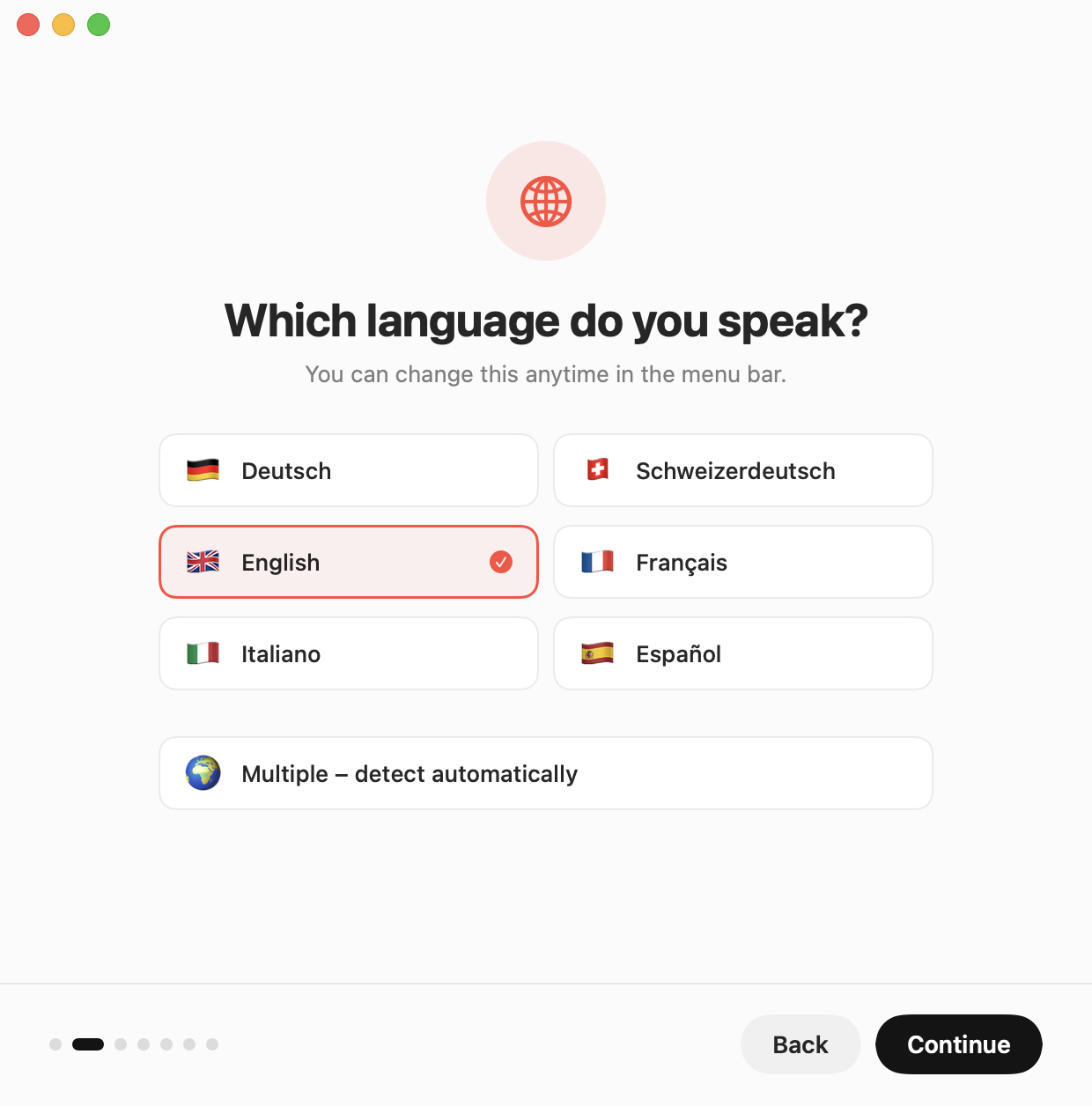
German, Swiss German, English, French, Italian and Spanish – or automatic detection.
Searchable history
Every dictation, grouped by day. Keep it for 1, 7 or 30 days, or not at all.
Your choice of model
Five official Whisper models from 148 MB to 3.1 GB, or your own ggml file.
Thoughtful details
Pauses Spotify and Apple Music, restores your clipboard, never types into password fields.
Meetings
Your voice and your Mac’s sound – Teams, Zoom, the browser – written down with timestamps. Only record when everyone agrees.
Notes and screenshots
Click the notch or press ⌃⌥N to add a note, a marker or a task. Screenshots from the button at the notch or ⌘⌃⇧4 land in the timeline.
A folder per meeting
Protokoll.md, meeting.json and the images, in a place you choose. The sound is never saved.
Send with Return
Press Return while you are still recording: Steno pastes the text and sends it.
Meetings, written down.
Start a meeting and Steno writes along with timestamps: your microphone as “You”, your Mac’s sound – Teams, Zoom, the browser – as “Others”. Notes, tasks and screenshots go into the same timeline, and every meeting gets its own folder.
Only record when everyone in the meeting agrees. The sound itself is never saved.

Designed to stay out of your way.
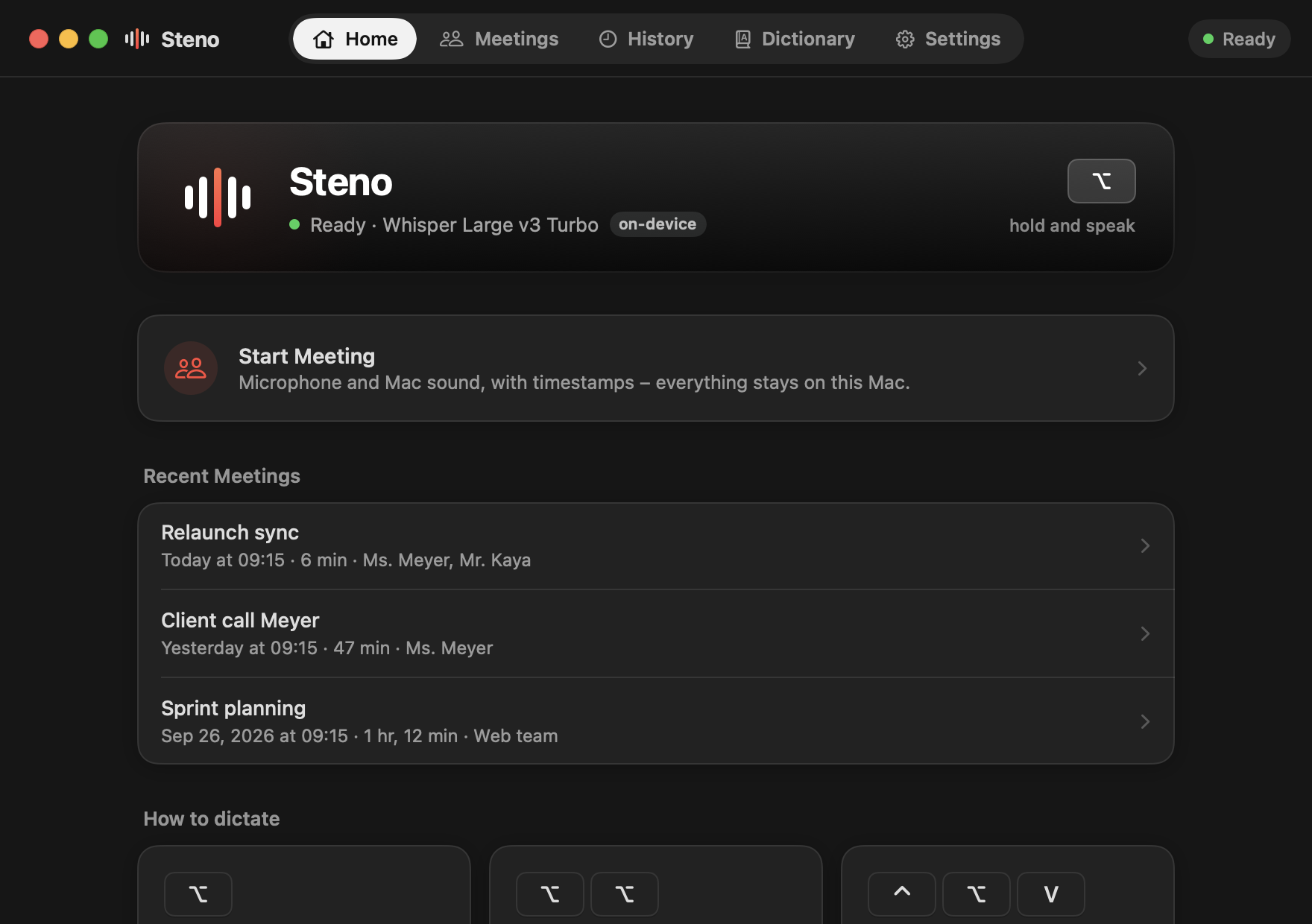
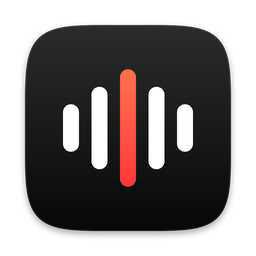
Status, a meeting in one click and your latest meetings.
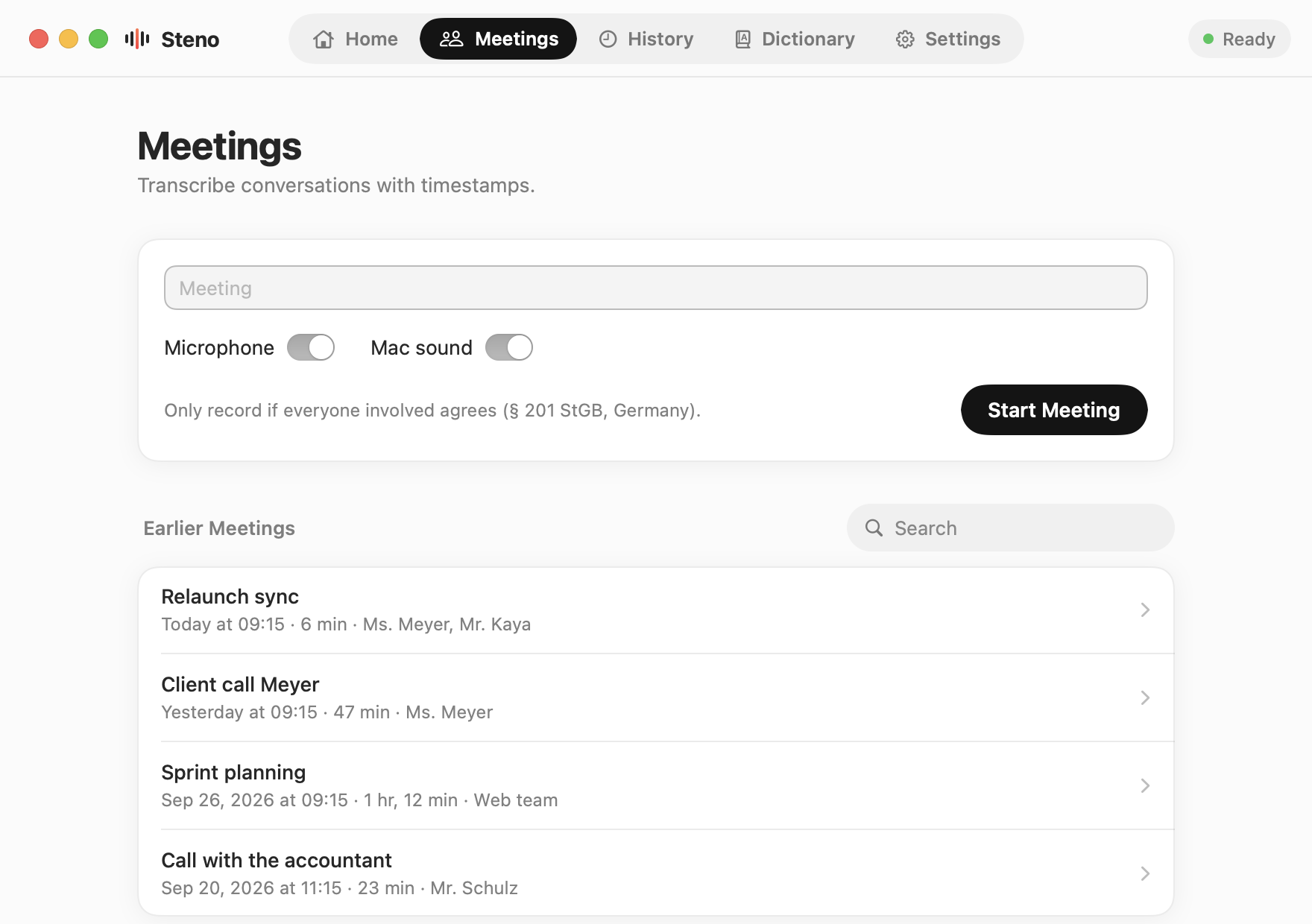
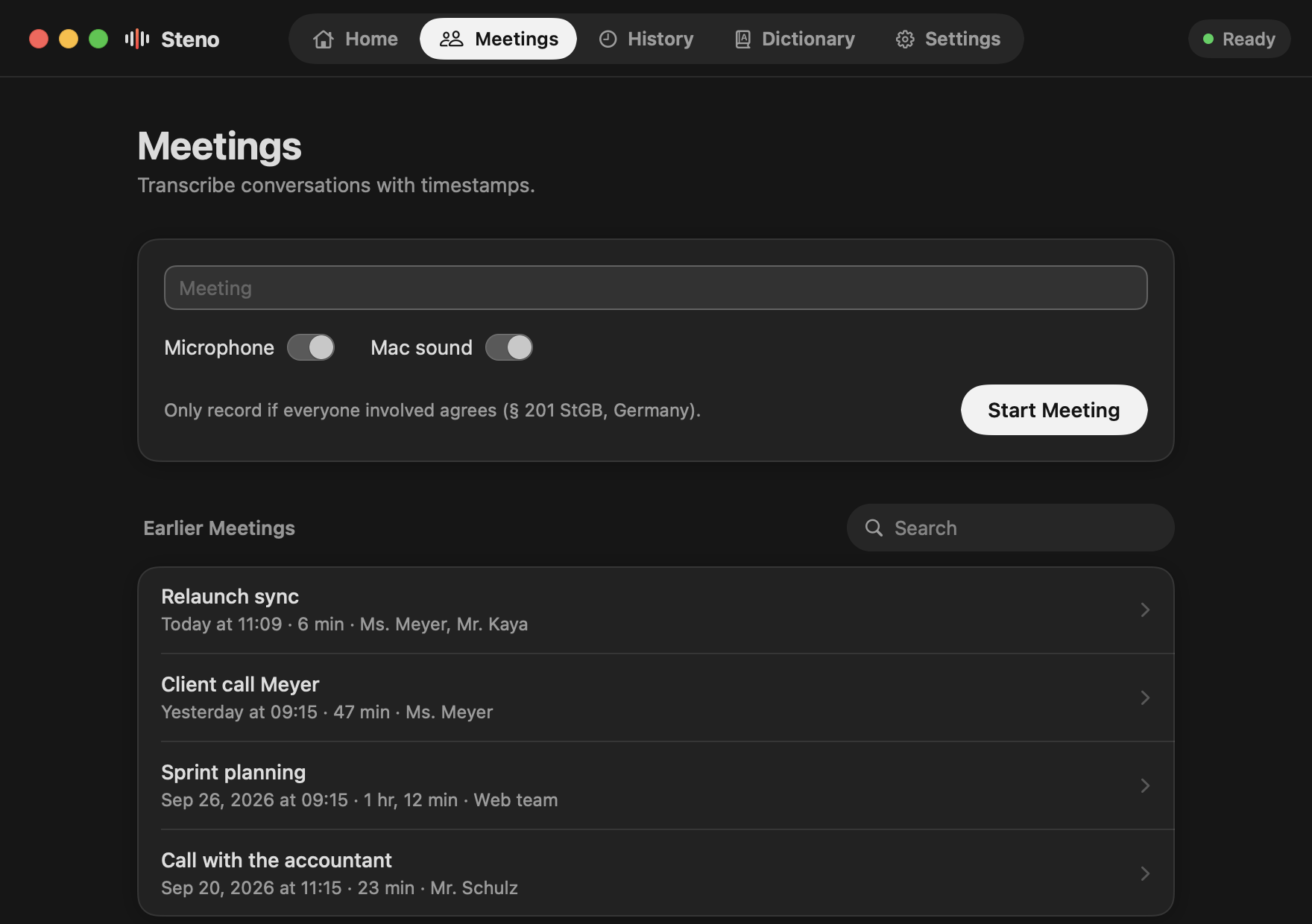
Start a meeting, or open an earlier one.
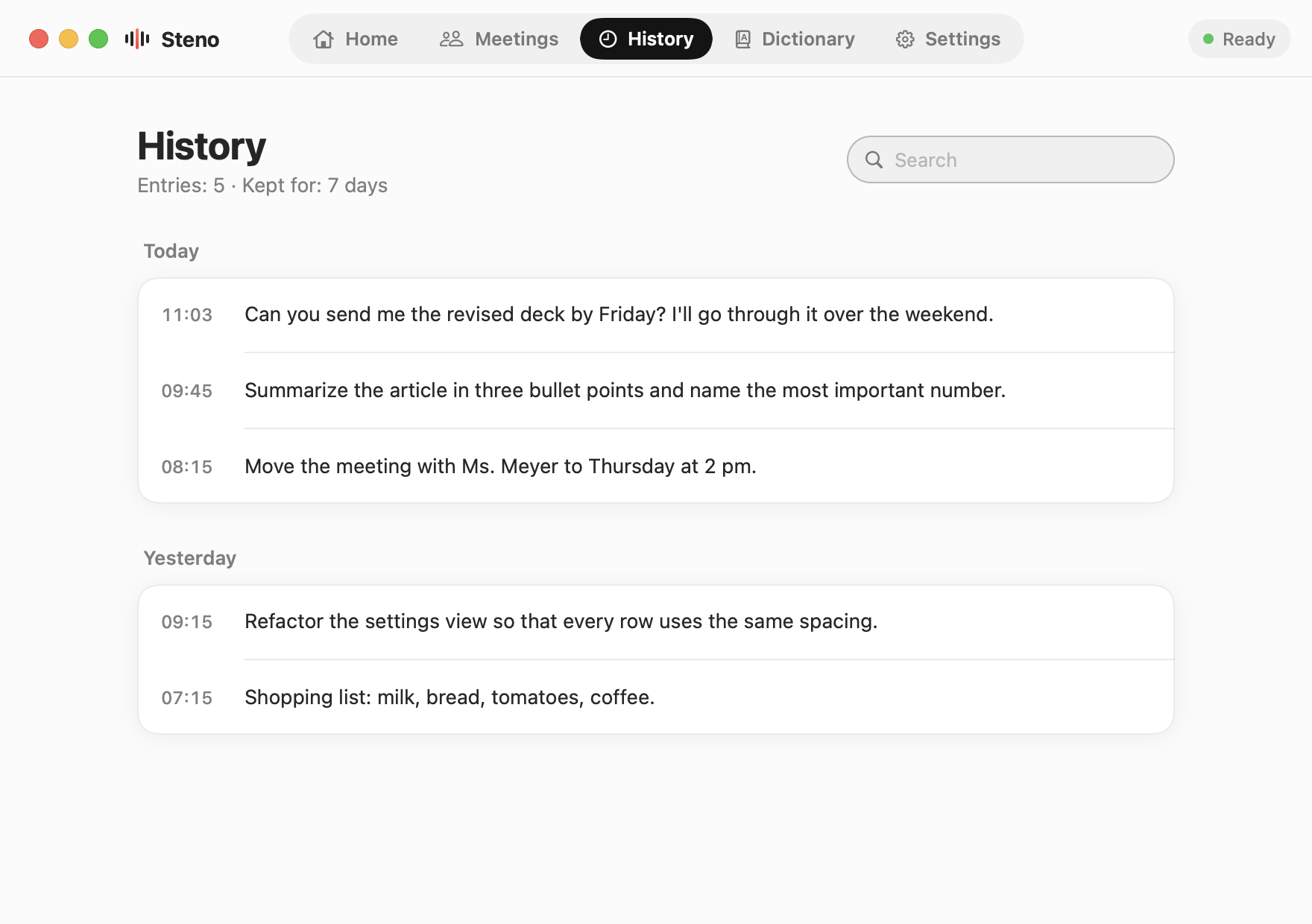
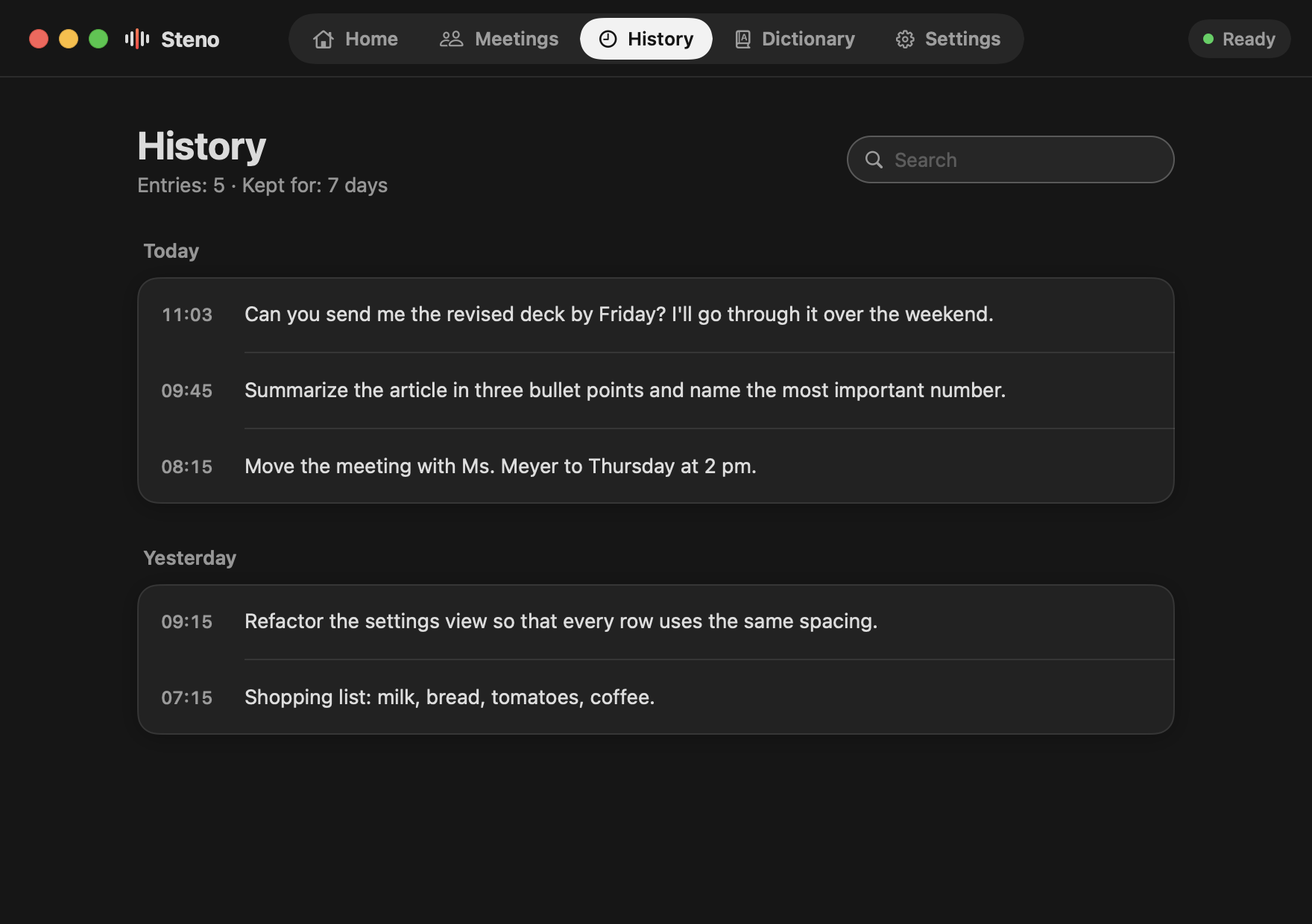
Find anything you said this week.
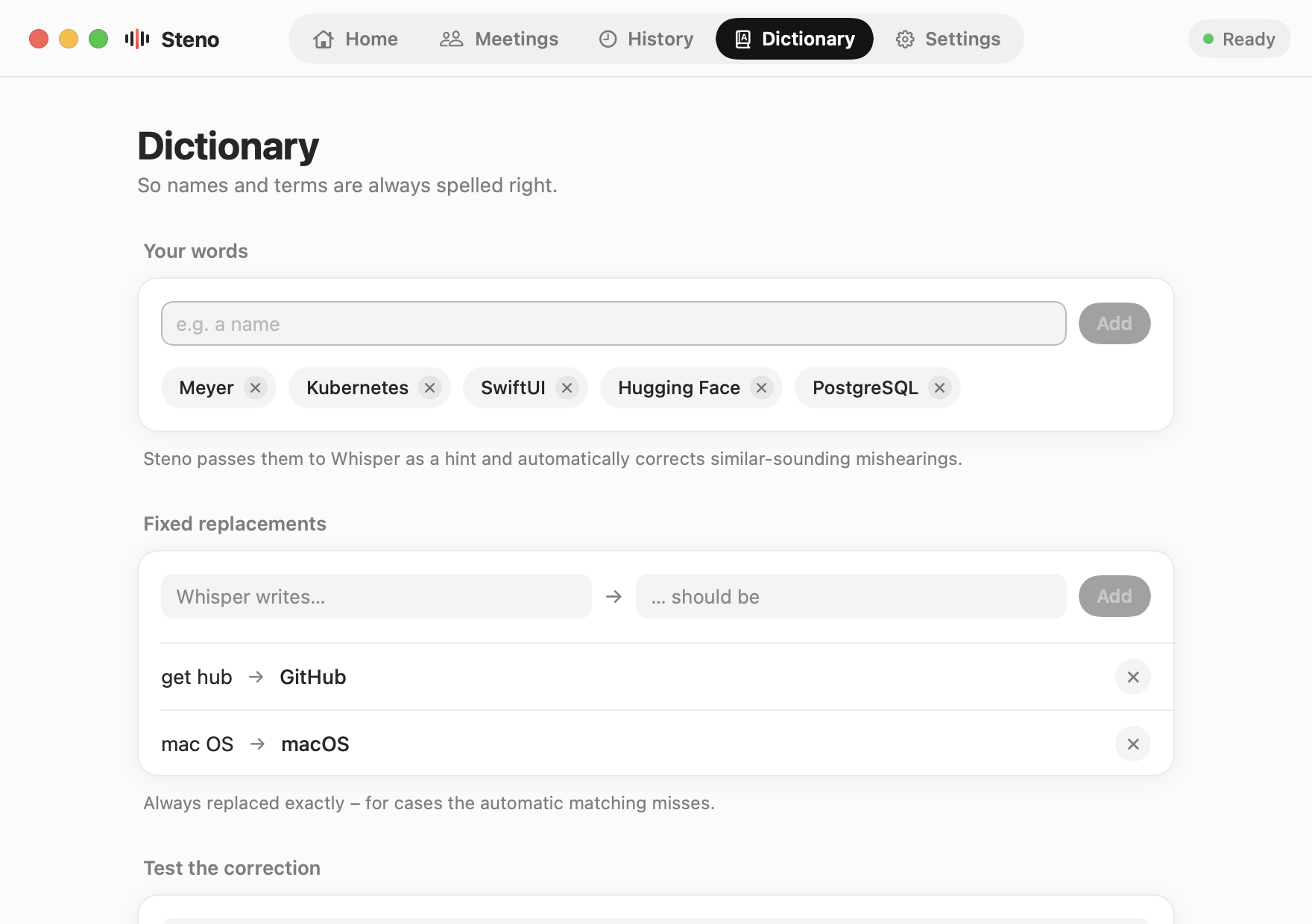
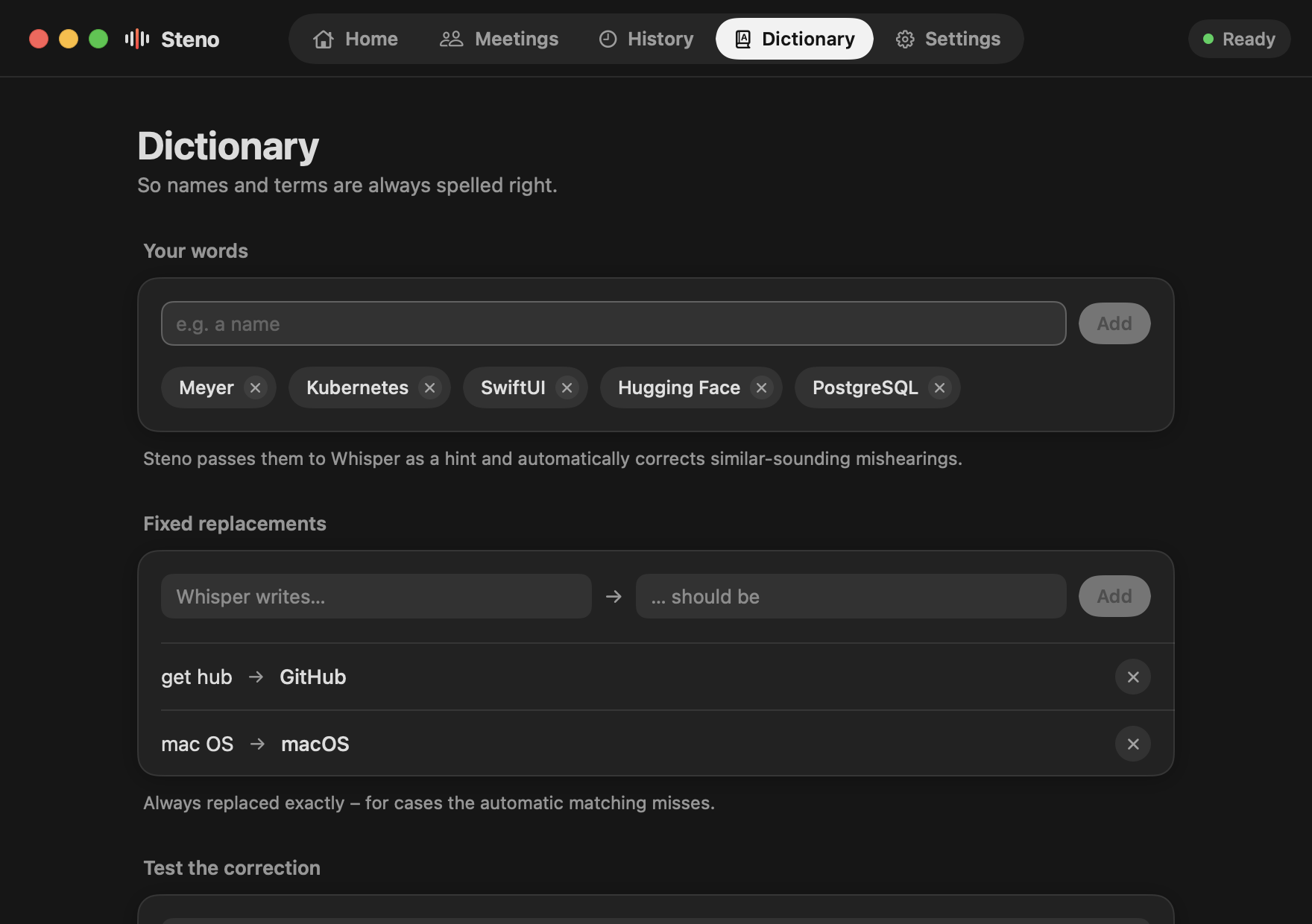
Teach Steno names and terms.
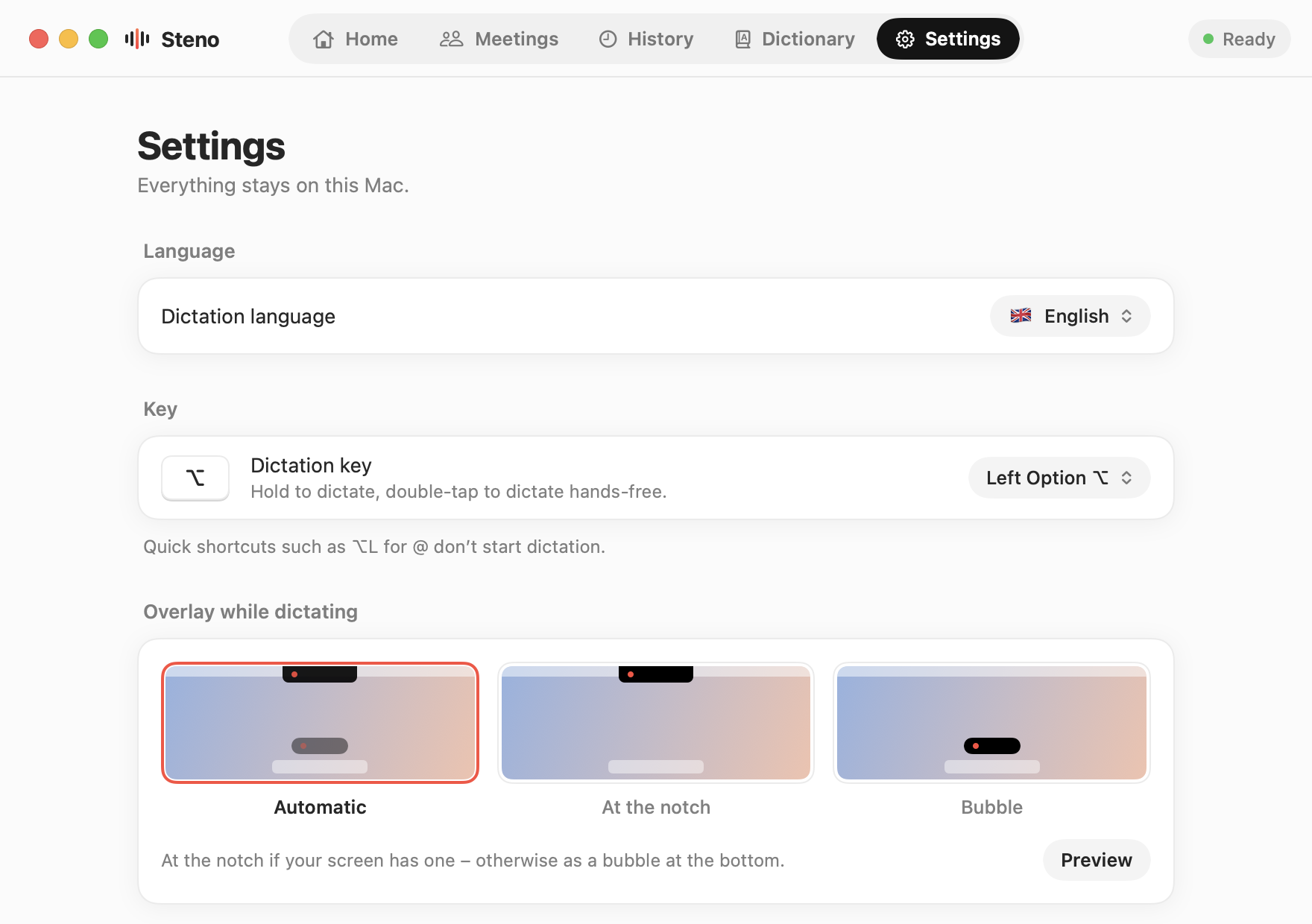
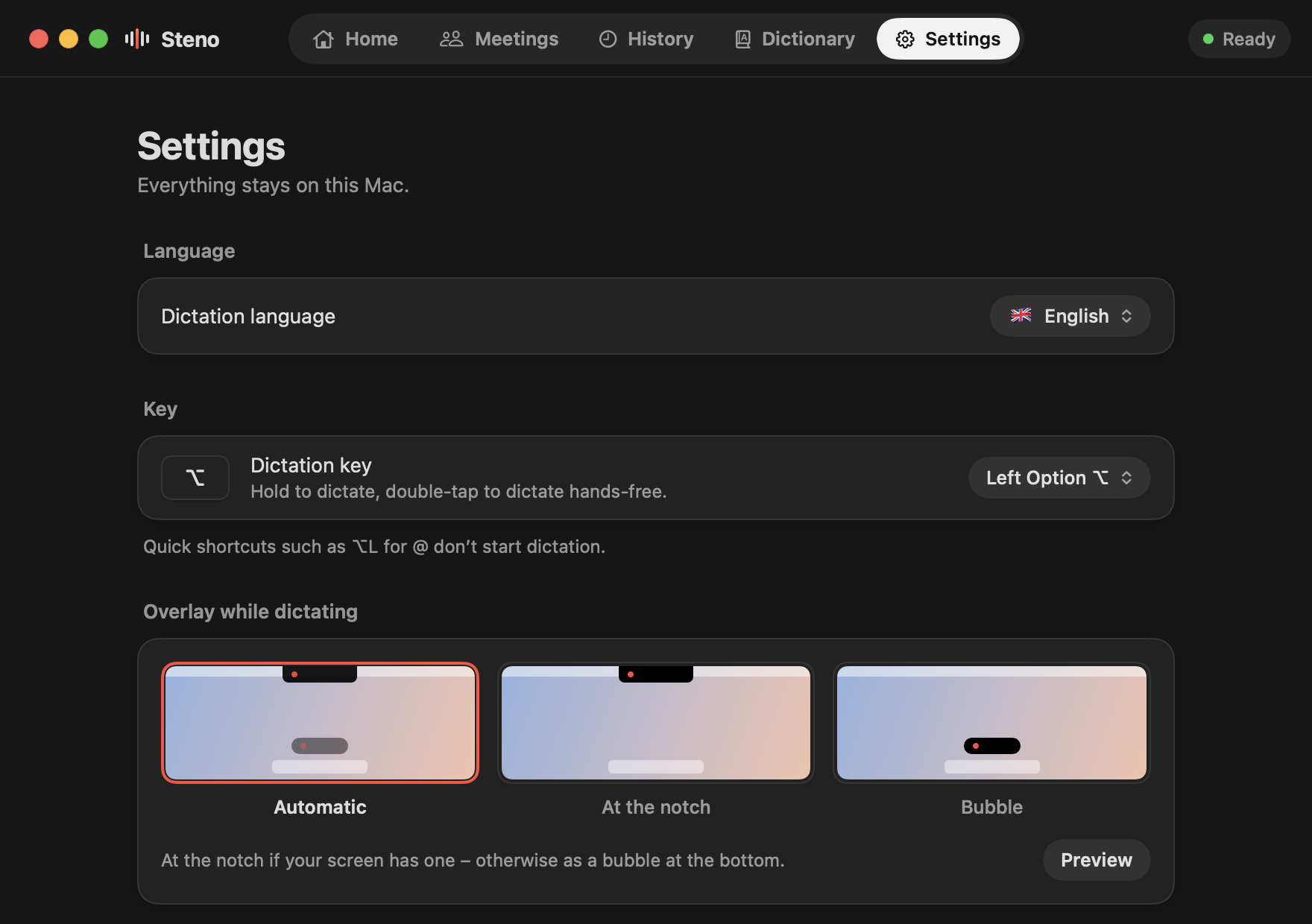
Language, key, model and behavior – nothing more.
Lives in your notch. Or floats above the Dock.
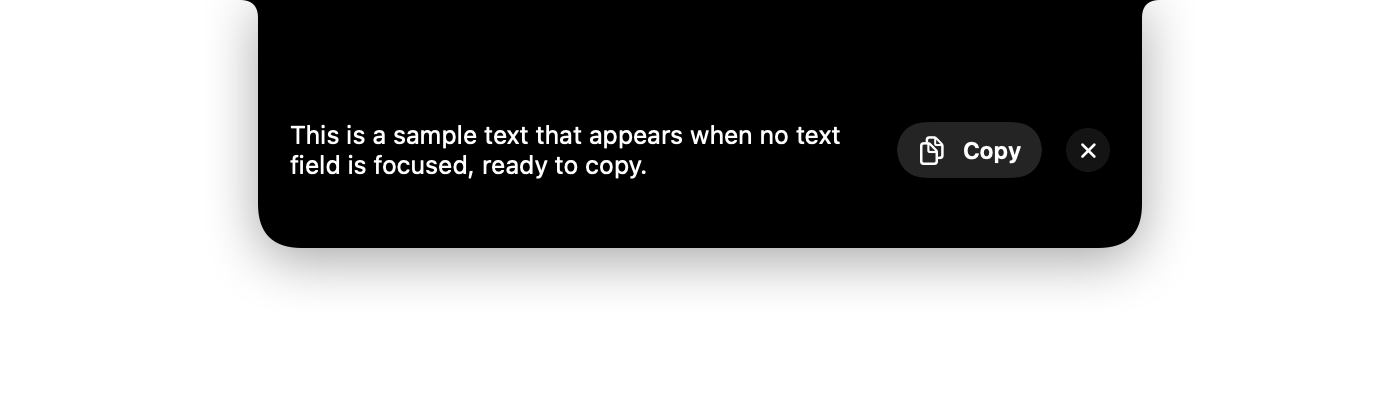
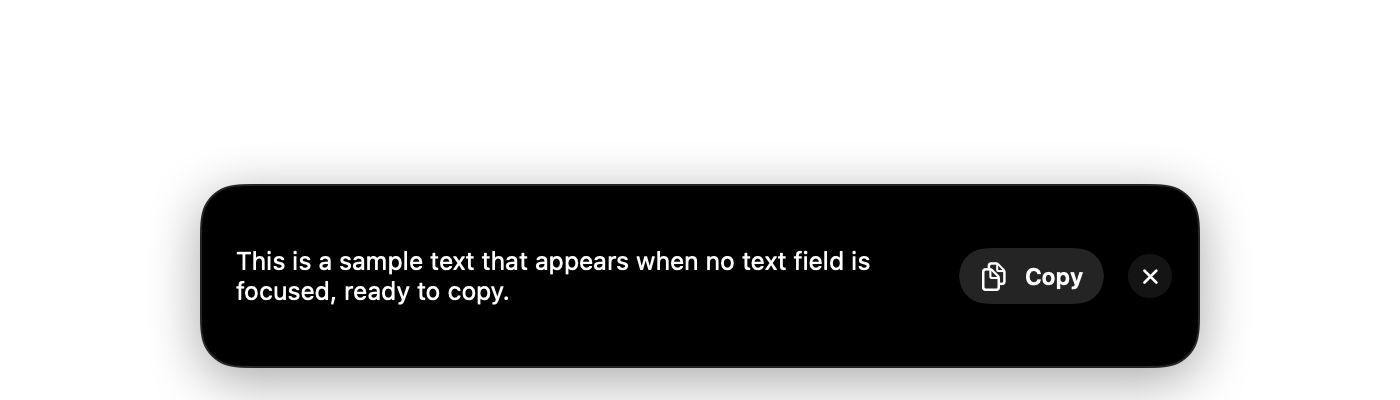
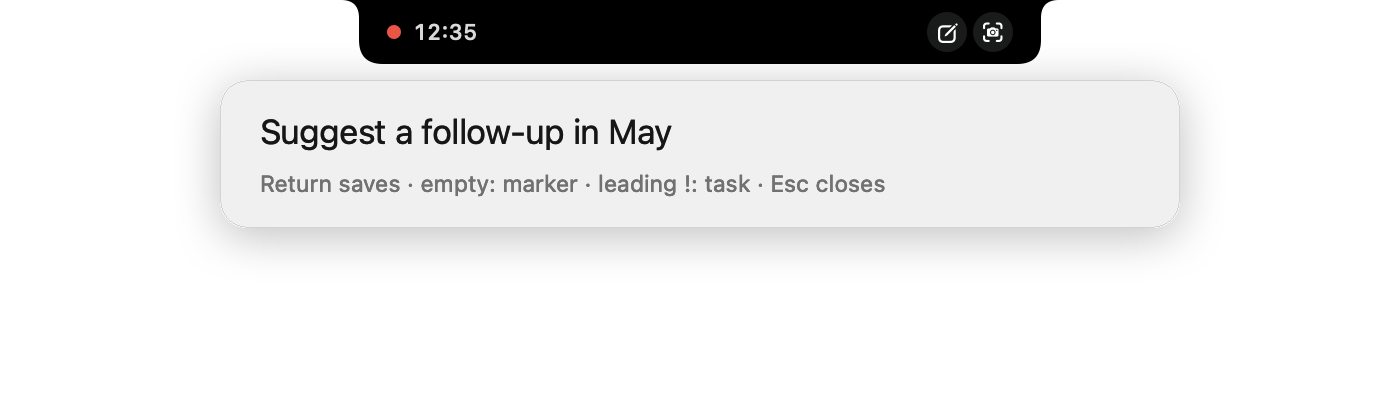
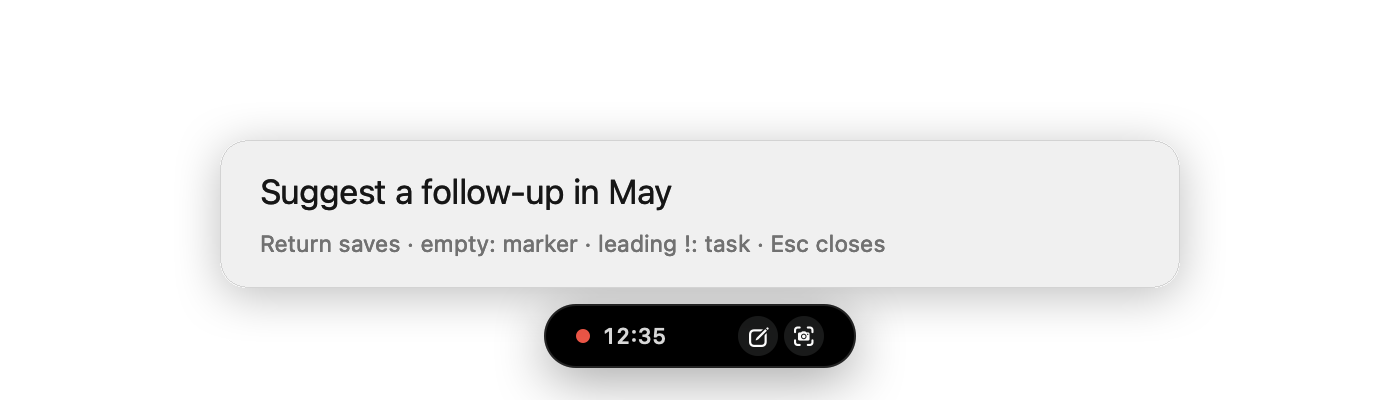
While you speak, a small black overlay grows out of the notch. No notch? Steno shows a floating bubble instead – automatically, or whichever you prefer. No text field focused? Your text waits there with a copy button. During a meeting it shows the running time – point at it for Note and Screenshot.












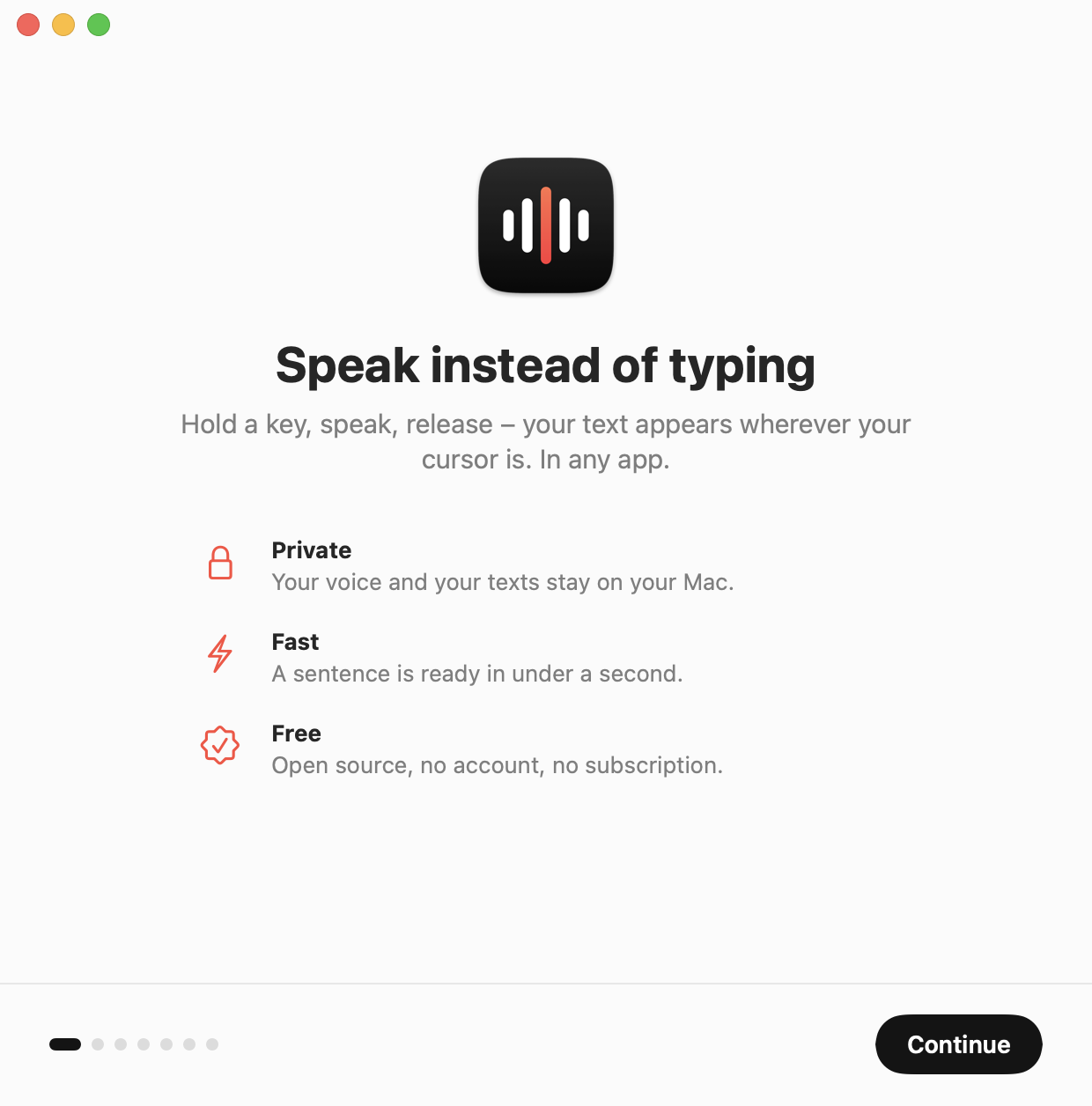
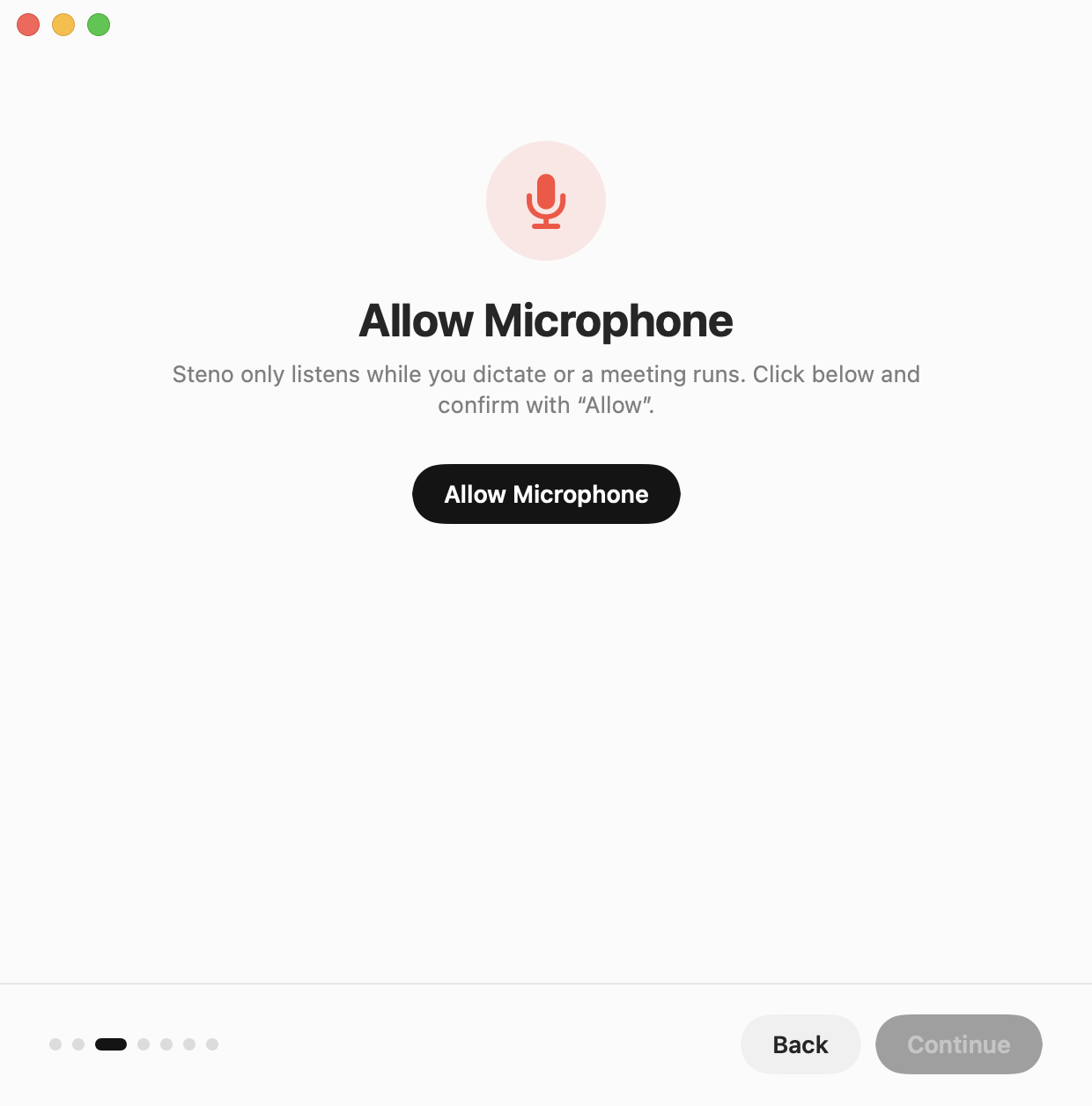
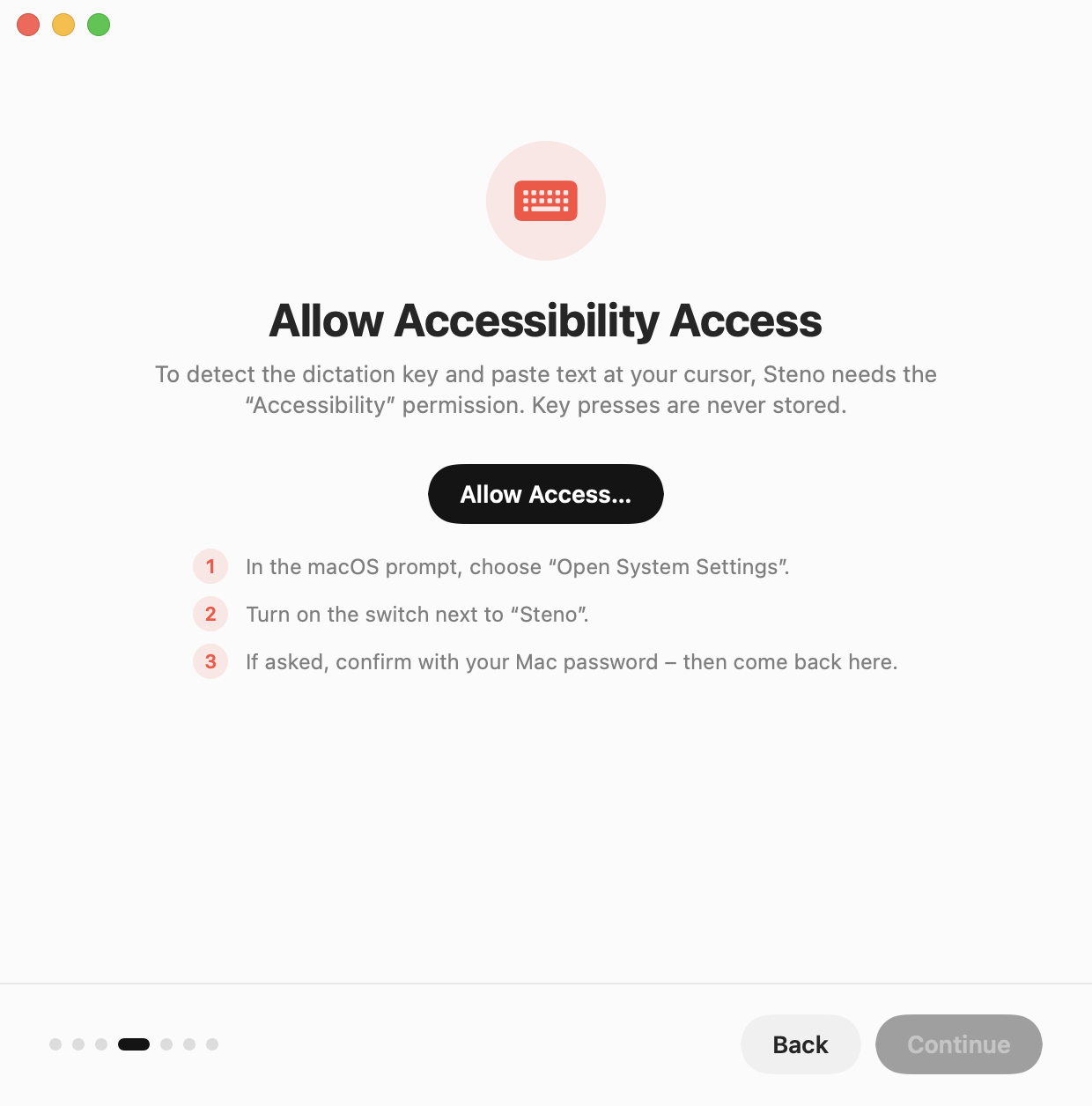
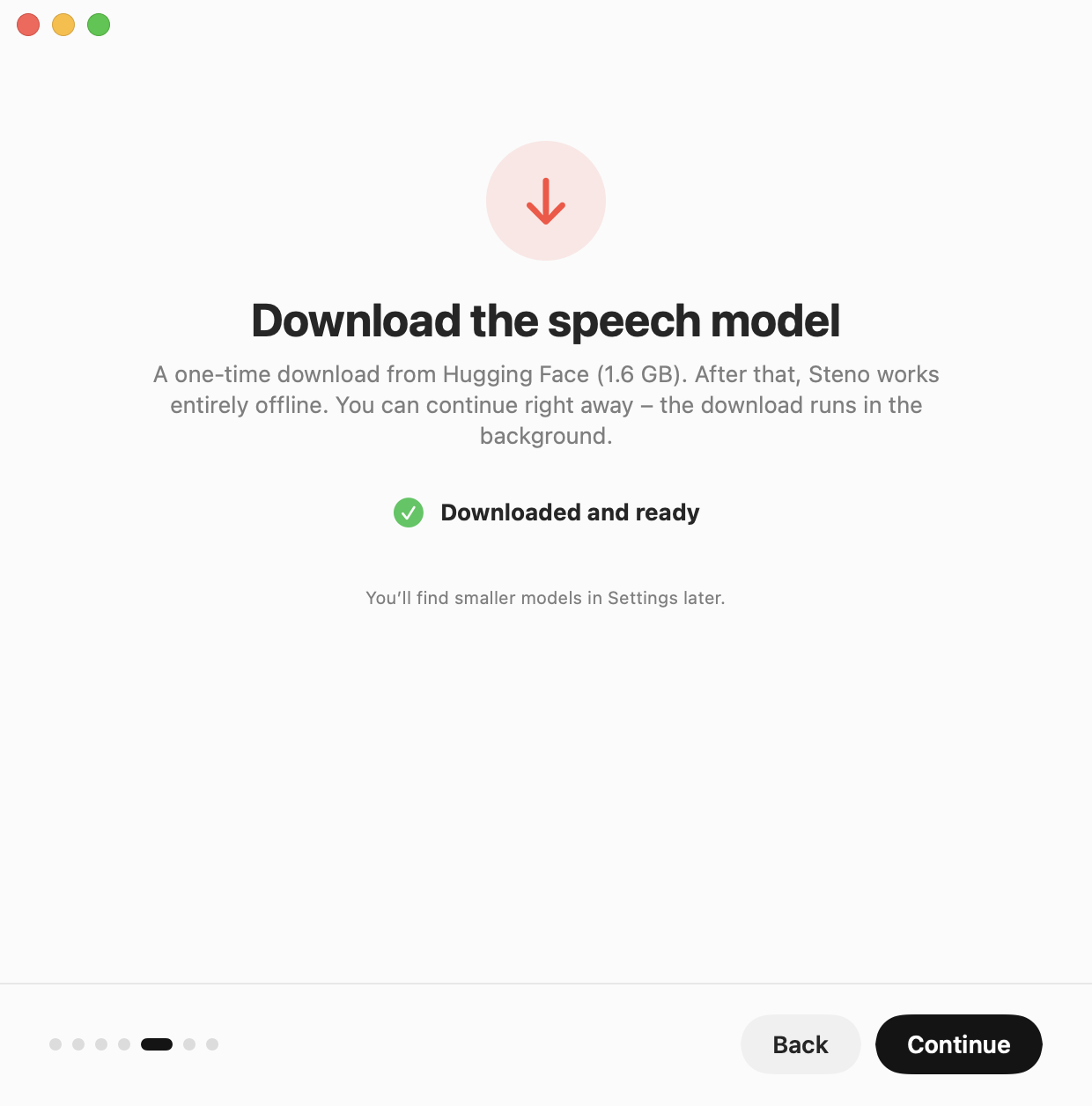
A guided start.
A short assistant walks you through language, permissions, the one-time model download and a first test.
Your voice stays on your Mac.
Private speech recognition, with no server in between.
Read the source- Recorded only while you dictate or a meeting runs, never written to disk.
- Transcribed on-device with whisper.cpp and Metal.
- No analytics, no crash reporting, no accounts.
- One network request: the model download from Hugging Face, pinned and verified with SHA-256.
- Open source under the MIT license – read every line.
Who Steno is for.
Confidential work
Doctors, therapists, lawyers, tax advisers, journalists: dictate without your words ever leaving the Mac.
When typing is hard
RSI, dyslexia, limited mobility – or simply long days at the keyboard.
People who write a lot
Students, authors and everyone who answers mail and messages all day.
AI power users
Prompts for chat assistants and coding agents are much faster spoken.
Developers
Commit messages, issues, docs and instructions – straight into the terminal or IDE.
Teams and schools
A dictation tool that needs no cloud service, no accounts and no license fees.
Up and running in two minutes.
Download directly from this site, from GitHub Releases or with Homebrew.
- Mac with Apple silicon (M1 or later)
- macOS 14.2 Sonoma or later
- 2.5 GB free space
Download Steno.dmg and drag Steno to Applications.
Open Steno. macOS blocks the first launch because Steno is distributed without a paid Apple Developer ID. Close the message, then click Open Anyway in System Settings › Privacy & Security.
The setup assistant takes care of the rest: language, microphone, accessibility and the one-time model download.
With Homebrew
Installs Steno into Applications. The first launch works as above: “Open Anyway”.
brew install --cask thesimpleex/tap/stenoBuild from source
Requires Xcode 16 or later.
git clone https://github.com/Thesimpleex/steno.git && cd steno && ./build.sh --installQuestions & answers
Is Steno really free?
Yes. MIT-licensed, no account, no subscription, no in-app purchases.
Does my voice leave my Mac?
No. Recording and transcription happen entirely on your Mac. The only connection is the one-time download of the speech model.
Does it work offline?
Yes, after the one-time model download.
Which Macs are supported?
Macs with Apple silicon (M1 or later) running macOS 14.2 Sonoma or later. Intel Macs are not supported.
Why does macOS warn me on first launch?
Steno is distributed without a paid Apple Developer ID, so macOS asks once. The source is open – you can also build the app yourself.
Why does Steno need Accessibility access?
To notice when you hold the key, check whether a text field is focused and paste your text. Key presses are never recorded or stored.
Can I change the key?
Yes: left or right Option, right Command, left or right Control, right Shift or the globe key.
What if I let go too early?
Let go too early? Press the key again right away and keep talking – the recording continues. Cancelled with Esc by accident? Press within 3 seconds to pick up where you left off.
Can I use my own model?
Yes, any whisper.cpp ggml file, for example from Hugging Face.
Can Steno transcribe meetings?
Yes. Your microphone is “You”, the sound of your Mac – Teams, Zoom, the browser – is “Others”, each line with a timestamp. Spotify and Apple Music are left out, so music doesn’t end up in the notes. Everything stays on your Mac, and the sound is never saved. Only record when everyone in the meeting agrees.